
AI INTERACTIVE VIDEO CREATOR
AI Interactive Video Creator.
Bring a video. Make it playable.
Upload a video and let AI turn its strongest moments into an interactive video people can play.
Create from an idea BetaMP4 only · up to 30 seconds / 120 MB
Discover Playable Videos
All interactive videos
Loading interactive videos
No interactive videos yet
New interactive videos will appear here when they become available.
Couldn’t load interactive videos
Please try again in a moment.
 Ready to play
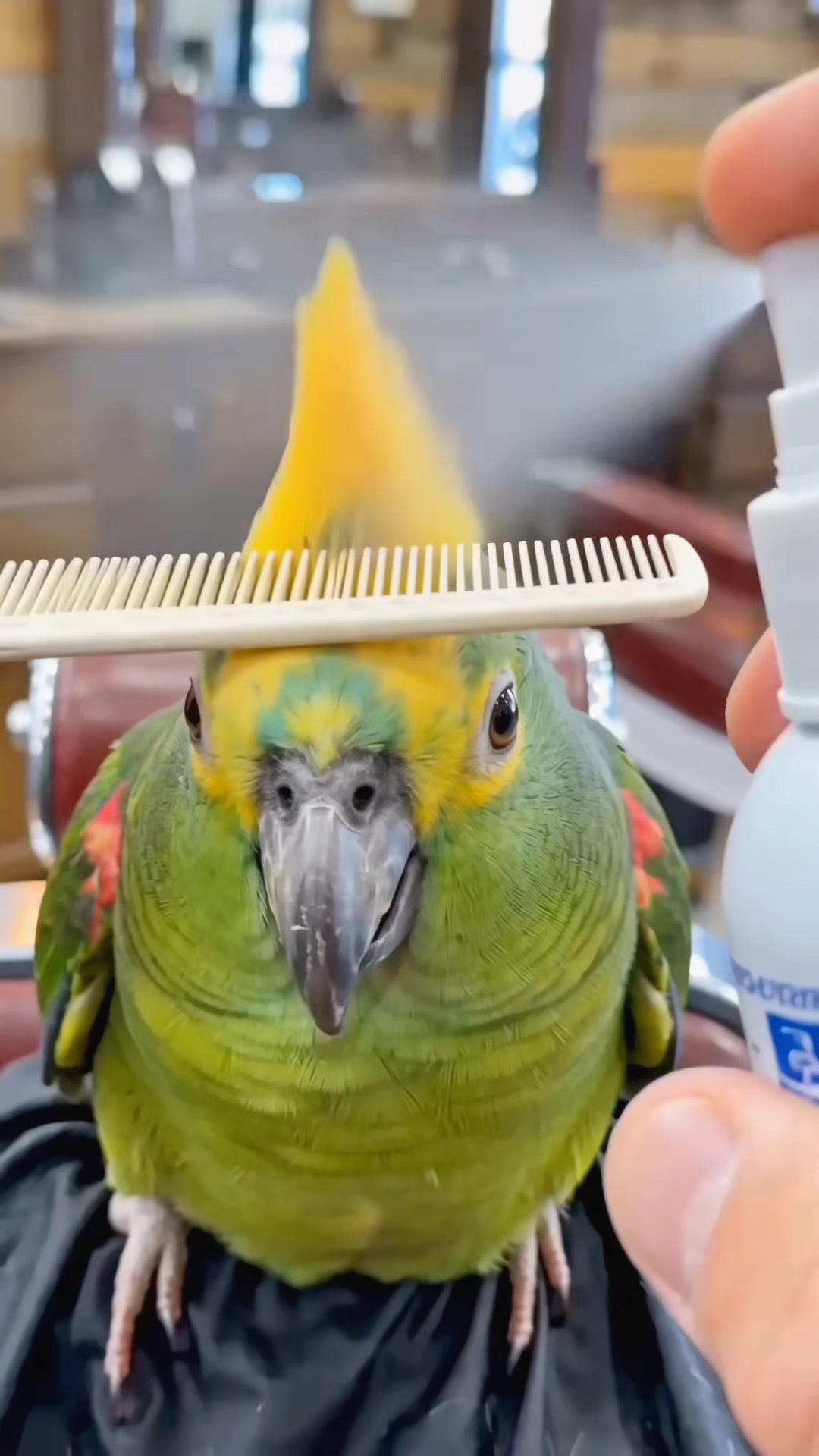
I'm the one who does the editing.
Check out this parrot's new hairstyle.
Follow the prompt using the front camera
Ready to play
I'm the one who does the editing.
Check out this parrot's new hairstyle.
Follow the prompt using the front camera
 Ready to play
Smile and your mood will be better
Interact with this animated character using your front camera. Smile at the screen to trigger a reaction and pause the video. This interactive experience uses facial recognition to detect your expression.
Follow the prompt using the front camera
Ready to play
Smile and your mood will be better
Interact with this animated character using your front camera. Smile at the screen to trigger a reaction and pause the video. This interactive experience uses facial recognition to detect your expression.
Follow the prompt using the front camera
 Ready to play
The little baby is so interesting!
Watch an adorable baby and a fluffy white kitten cuddle together while looking at a pink smartphone. This interactive experience invites you to swipe up to take the phone and tap rapidly to summon a big cat.
Swipe upTap fast
Ready to play
The little baby is so interesting!
Watch an adorable baby and a fluffy white kitten cuddle together while looking at a pink smartphone. This interactive experience invites you to swipe up to take the phone and tap rapidly to summon a big cat.
Swipe upTap fast
 Ready to play
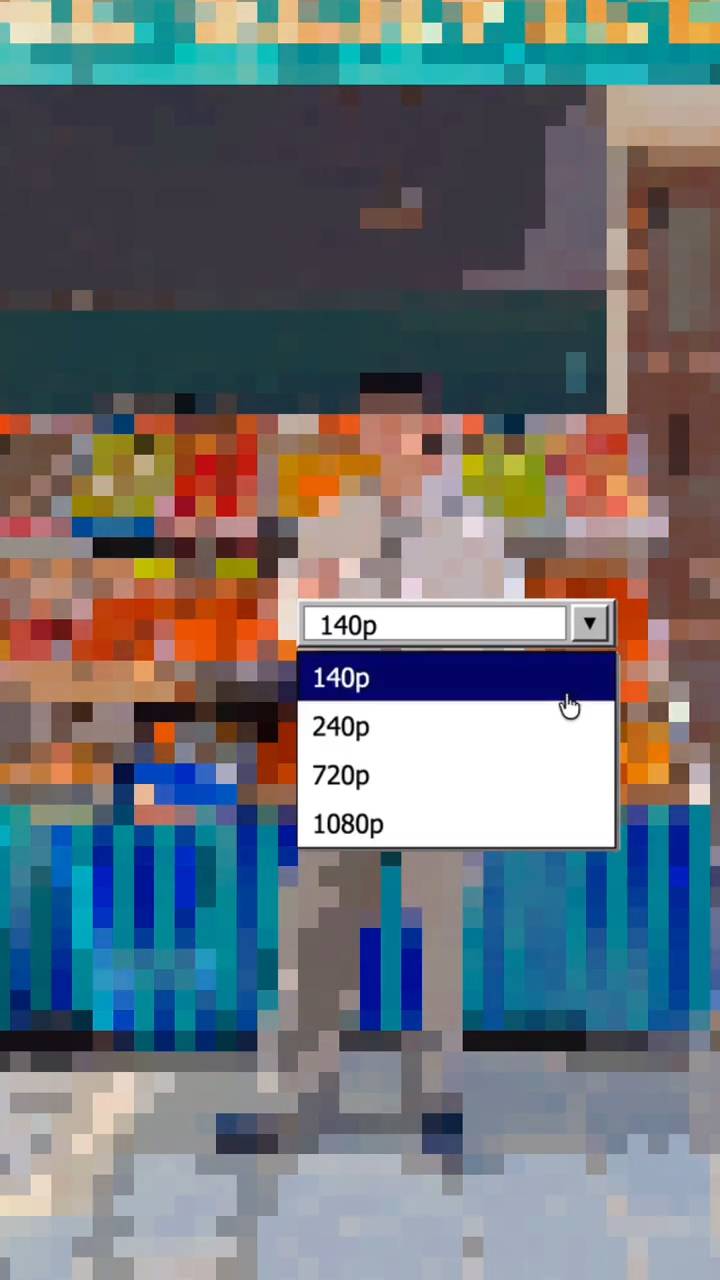
Switch to pixel art style.
An interactive vertical video experience that simulates switching video quality settings. Tap the screen at three specific moments to trigger a resolution change, transforming the visual style into a distinct pixel art aesthetic using options like 140p, 240p, 720p, and 1080p.
Tap
Ready to play
Switch to pixel art style.
An interactive vertical video experience that simulates switching video quality settings. Tap the screen at three specific moments to trigger a resolution change, transforming the visual style into a distinct pixel art aesthetic using options like 140p, 240p, 720p, and 1080p.
Tap
 Ready to play
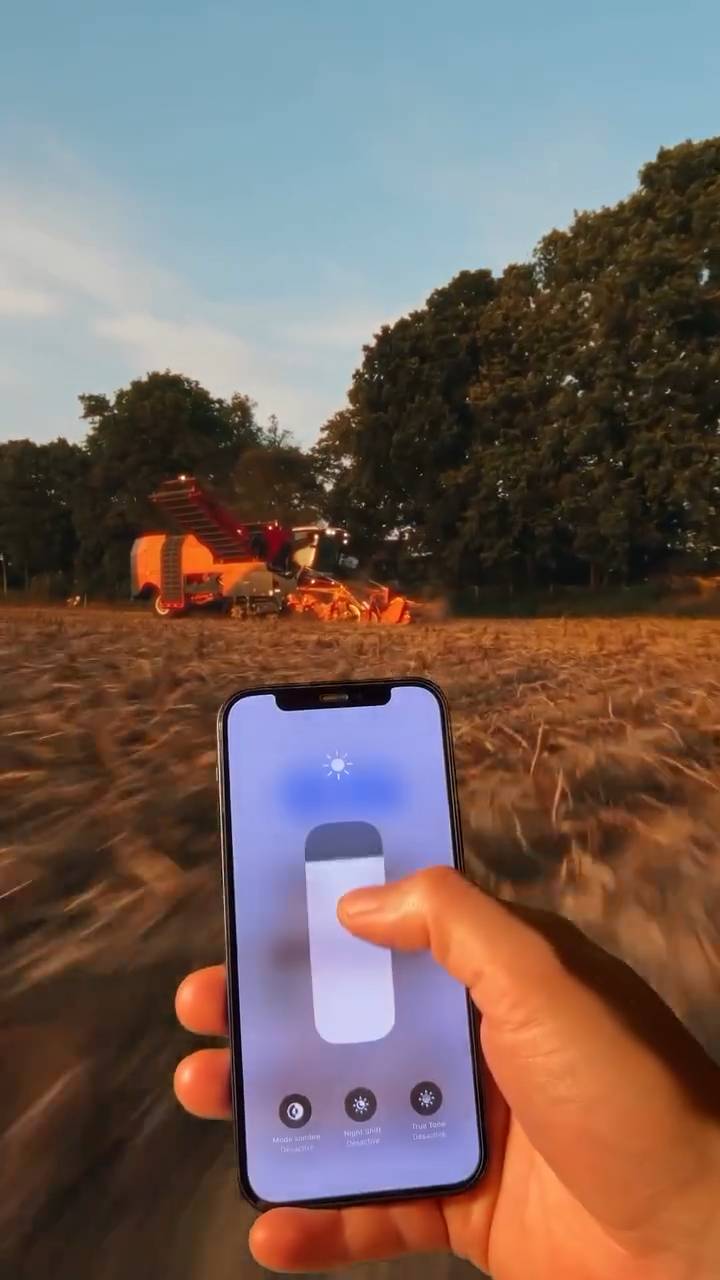
Dim the brightness and switch to another scene.
Interact with a smartphone interface held in a field at sunset. Drag down on the screen slider to dim the light, then tap to enable night mode and transition the scene.
Hold & drag downTap
Ready to play
Dim the brightness and switch to another scene.
Interact with a smartphone interface held in a field at sunset. Drag down on the screen slider to dim the light, then tap to enable night mode and transition the scene.
Hold & drag downTap
 Ready to play
Tap to Choose: Interactive Vertical Video
An interactive vertical video experience where viewers tap the screen during a timed window to determine the outcome. A successful tap advances to one ending, while a missed or failed interaction leads to an alternative path with a retry option.
Tap
Ready to play
Tap to Choose: Interactive Vertical Video
An interactive vertical video experience where viewers tap the screen during a timed window to determine the outcome. A successful tap advances to one ending, while a missed or failed interaction leads to an alternative path with a retry option.
Tap
 Ready to play
Pull open the curtain and change clothes
An interactive street style experience featuring a woman in an all-black outfit on a city sidewalk. Swipe left to switch outfits twice, then tap to take out a green book.
Swipe leftTap
Ready to play
Pull open the curtain and change clothes
An interactive street style experience featuring a woman in an all-black outfit on a city sidewalk. Swipe left to switch outfits twice, then tap to take out a green book.
Swipe leftTap
 Ready to play
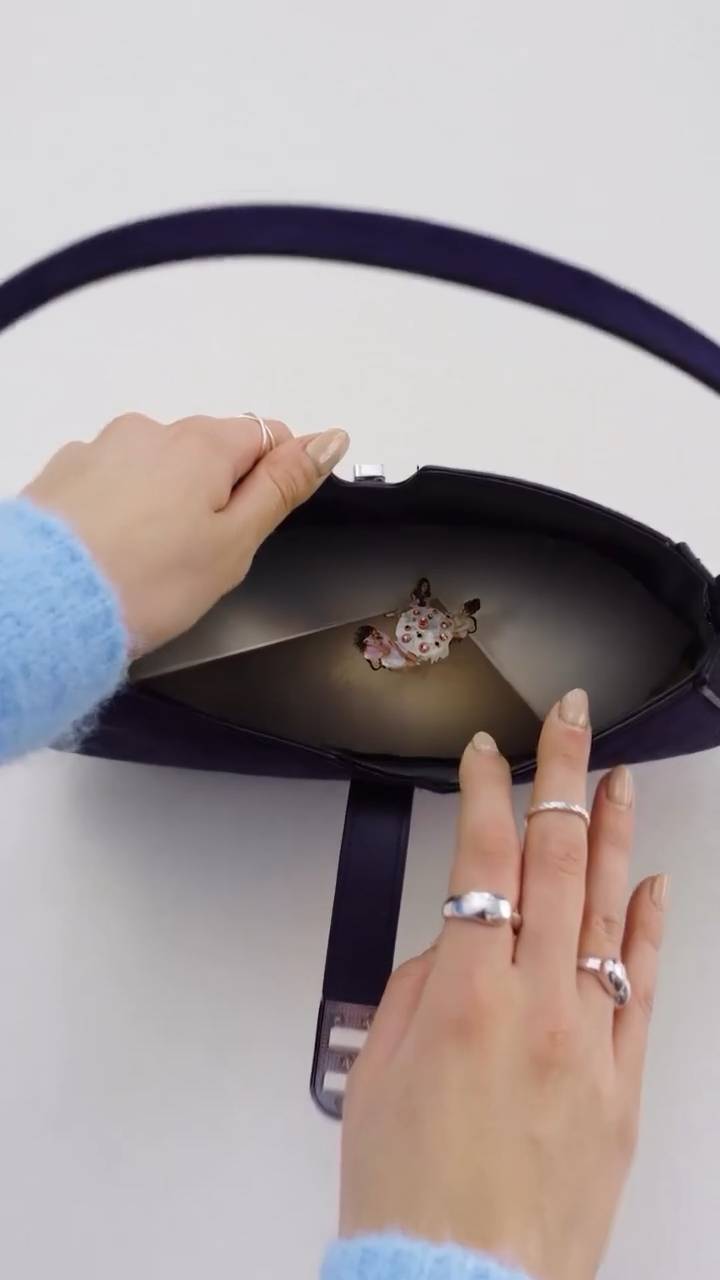
What's in your bag
Explore the contents of a dark handbag in this interactive video experience. Double-tap to open the bag and view the interior, then perform an inward pinch gesture to continue the sequence.
Double tapPinch inward
Ready to play
What's in your bag
Explore the contents of a dark handbag in this interactive video experience. Double-tap to open the bag and view the interior, then perform an inward pinch gesture to continue the sequence.
Double tapPinch inward
 Ready to play
Cool and Trendy Hairstyle for the Duck
呼呼~Give it a puff of air to style the little duck.
Blow at the mic
Ready to play
Cool and Trendy Hairstyle for the Duck
呼呼~Give it a puff of air to style the little duck.
Blow at the mic
 Ready to play
Enjoy the great scenery!
Experience a breathtaking vertical landscape featuring a long road stretching toward a horizon of misty mountains and a vibrant orange sunset. This interactive scene invites you to engage with the view; simply drag up on the screen to reveal more of the majestic scenery as the video pauses for your interaction.
Hold & drag up
Ready to play
Enjoy the great scenery!
Experience a breathtaking vertical landscape featuring a long road stretching toward a horizon of misty mountains and a vibrant orange sunset. This interactive scene invites you to engage with the view; simply drag up on the screen to reveal more of the majestic scenery as the video pauses for your interaction.
Hold & drag up
 Ready to play
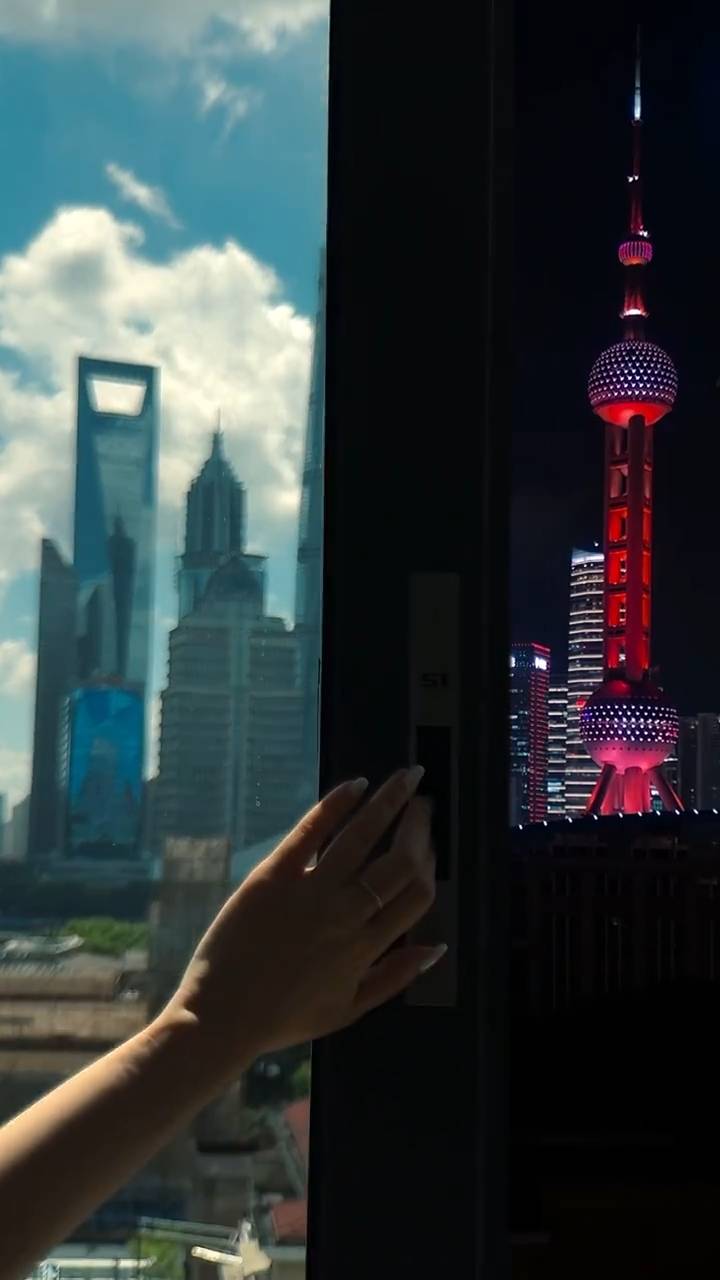
Push open the window and see a different world
Experience a seamless visual transition between day and night in Shanghai. Swipe left to push open the window, transforming a bright daytime skyline featuring the Shanghai World Financial Center into a vibrant nightscape illuminated by the Oriental Pearl Tower.
Swipe left
Ready to play
Push open the window and see a different world
Experience a seamless visual transition between day and night in Shanghai. Swipe left to push open the window, transforming a bright daytime skyline featuring the Shanghai World Financial Center into a vibrant nightscape illuminated by the Oriental Pearl Tower.
Swipe left
 Ready to play
A cat with quick reflexes
Interact with a agile cat on a balcony featuring a transparent tube slide. Swipe up to help the cat scale the wall, or say 'down' to trigger the slide descent. This interactive experience combines touch gestures and voice commands to control the feline's movements.
Swipe upMake some noise
Ready to play
A cat with quick reflexes
Interact with a agile cat on a balcony featuring a transparent tube slide. Swipe up to help the cat scale the wall, or say 'down' to trigger the slide descent. This interactive experience combines touch gestures and voice commands to control the feline's movements.
Swipe upMake some noise
 Ready to play
The duck's new hairstyle
Give this white duck a fresh look in this interactive grooming experience. Swipe left to trim the feathers with a comb, then swipe down to blow-dry and style the final haircut.
Swipe leftSwipe down
Ready to play
The duck's new hairstyle
Give this white duck a fresh look in this interactive grooming experience. Swipe left to trim the feathers with a comb, then swipe down to blow-dry and style the final haircut.
Swipe leftSwipe down
 Ready to play
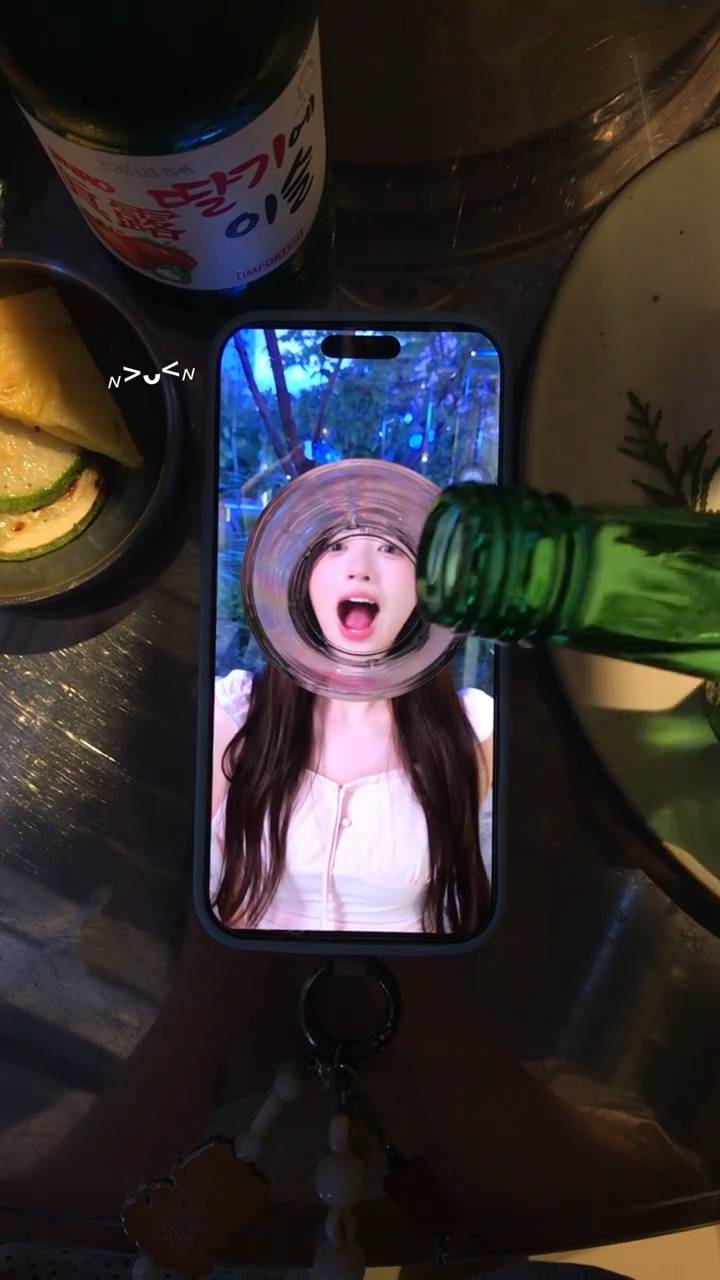
A super cute way to drink.
Transform your selfie into a playful drinking moment with this interactive camera effect. Simply open your mouth wide at the camera to trigger a visual overlay that makes it look like you are being poured a drink. This front-facing camera experience uses motion detection to sync the animation with your expression for a fun, shareable result.
Follow the prompt using the front camera
Ready to play
A super cute way to drink.
Transform your selfie into a playful drinking moment with this interactive camera effect. Simply open your mouth wide at the camera to trigger a visual overlay that makes it look like you are being poured a drink. This front-facing camera experience uses motion detection to sync the animation with your expression for a fun, shareable result.
Follow the prompt using the front camera
 Ready to play
IMAGINE THE DROP FROM UP THERE
Experience the vertigo of a towering roller coaster drop from a low-angle perspective. This interactive video places you at the bottom of a steep red track against a blue sky. Swipe down to trigger a nosedive simulation, pausing the view at the peak height to emphasize the sheer scale of the descent before the drop begins.
Swipe down
Ready to play
IMAGINE THE DROP FROM UP THERE
Experience the vertigo of a towering roller coaster drop from a low-angle perspective. This interactive video places you at the bottom of a steep red track against a blue sky. Swipe down to trigger a nosedive simulation, pausing the view at the peak height to emphasize the sheer scale of the descent before the drop begins.
Swipe down
 Ready to play
The weather changes so fast
An interactive vertical video experience featuring a solitary tree in a dry, cracked landscape under heavy storm clouds. Hold the screen to charge energy and summon ice effects within the scene.
Hold
Ready to play
The weather changes so fast
An interactive vertical video experience featuring a solitary tree in a dry, cracked landscape under heavy storm clouds. Hold the screen to charge energy and summon ice effects within the scene.
Hold
 Ready to play
Real-Time Tornado Formation1
Experience an interactive aerial view of a rural landscape featuring wind turbines and green fields. Blow into your microphone to trigger a real-time tornado formation effect over the crops. This vertical video experience responds directly to your breath input to simulate swirling wind patterns.
Blow at the mic
Ready to play
Real-Time Tornado Formation1
Experience an interactive aerial view of a rural landscape featuring wind turbines and green fields. Blow into your microphone to trigger a real-time tornado formation effect over the crops. This vertical video experience responds directly to your breath input to simulate swirling wind patterns.
Blow at the mic
 Ready to play
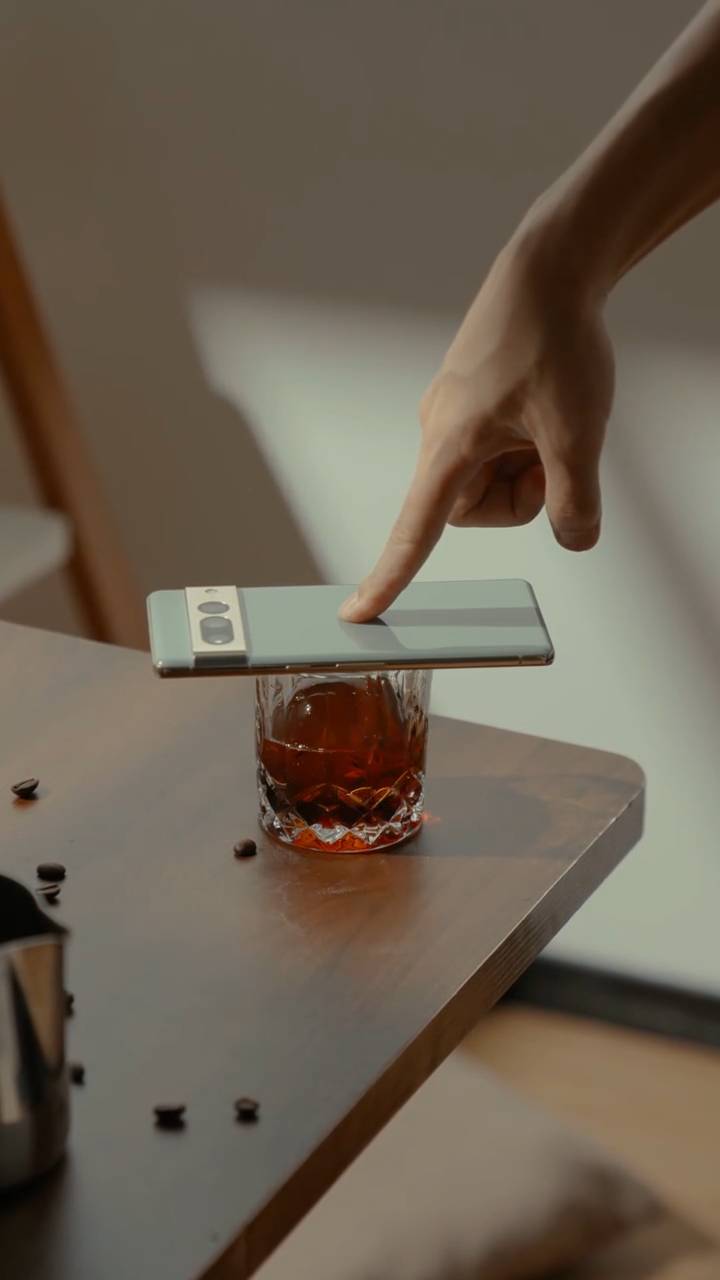
Drinking coffee is a happy thing
An interactive experience capturing the simple joy of a morning routine. Hold your finger on the screen to pour coffee into a glass filled with a large ice sphere, set against a warm wooden table scattered with roasted beans.
Hold
Ready to play
Drinking coffee is a happy thing
An interactive experience capturing the simple joy of a morning routine. Hold your finger on the screen to pour coffee into a glass filled with a large ice sphere, set against a warm wooden table scattered with roasted beans.
Hold
More interactive videos load as you scroll
What is Pixopixo?
AI turns ordinary video into something people can play.
Pixopixo adds timed interactions to your original footage. A viewer can tap, swipe, hold, shake, tilt, make a camera gesture, or use a sound cue to continue a moment or shape what happens next.
Keep your video
The interaction layer works with the footage and pacing you already created.
Find playable moments
AI samples the video and proposes interaction points grounded in visible moments.
Publish a real interactive video
Preview the compiled runtime, publish it, and share a stable descriptive page.
Real interaction capabilities
Touch the screen—or move beyond it.
Frequently asked questions
Before you make your first playable video
Does Pixopixo replace my original video?
No. Pixopixo compiles a separate interaction and playback specification around the footage you publish. Your original video stays the visual foundation.
How is Pixopixo different from a fixed interactive video template?
Pixopixo is not a fixed template. Each interactive video defines its own interactions and only uses the capabilities that are meaningful to it.
How do I create an interactive video with Pixopixo?
Upload a short MP4 from the web creator or the Android app, then optionally describe the response you want. Pixopixo finds responsive moments, compiles and validates the runtime, and lets you preview, publish, and share the result.
How does Pixopixo turn a regular video into something playable?
Pixopixo samples the video, identifies moments that can pause or branch, and chooses interactions supported by the player. That can include touch, motion, camera gestures, or microphone-level cues.
What kind of video should I start with?
Short videos with a clear action, reveal, challenge, or decision are easiest to turn into a focused interactive video.
Can one interactive video use more than one clip?
Yes. Story-based interactive videos can connect clips with validated success, miss, retry, end, and go-to actions.
Can people play every interactive video in a browser?
Browser-compatible interactive videos can play on the web. Videos with interactions that require native device capabilities clearly direct viewers to the Android app.
When will Pixopixo be available on iOS?
The iOS app is in active development. The official App Store link will appear on this site as soon as it is ready.
How do I delete my Pixopixo account and data?
Open the Pixopixo app, go to Settings, then choose Delete account, or request deletion by email. See https://pixopixo.com/account-deletion for the exact steps and what data is deleted or retained.
How do I contact Pixopixo?
For support, email pixoai@pixopixo.com. For privacy requests, email pixoai@pixopixo.com.
- 1Source
- 2Create
- 3Interact
- 4Publish
Your space.
Make something playable. Keep everything here.
0 Following
0 Followers
0 Likes received
Loading your profile…
Sign in to see your work
Your drafts and published interactive videos live here.
Edit channel
My videos
Manage your published videos and check their status.
Your creations live here.
Create a video
Sign in to see your creations
Submitted, reviewing, and published interactive videos stay connected to your account.
Loading your creations
No creations here yet
Publish your first interactive video and it will appear here.
Couldn’t load your creations
Please try again in a moment.
More creations load as you scroll
Welcome to Pixopixo
Sign in. Keep creating.
Use Google or a one-time email code. No password required.